Why Play ChessMind in 2026?
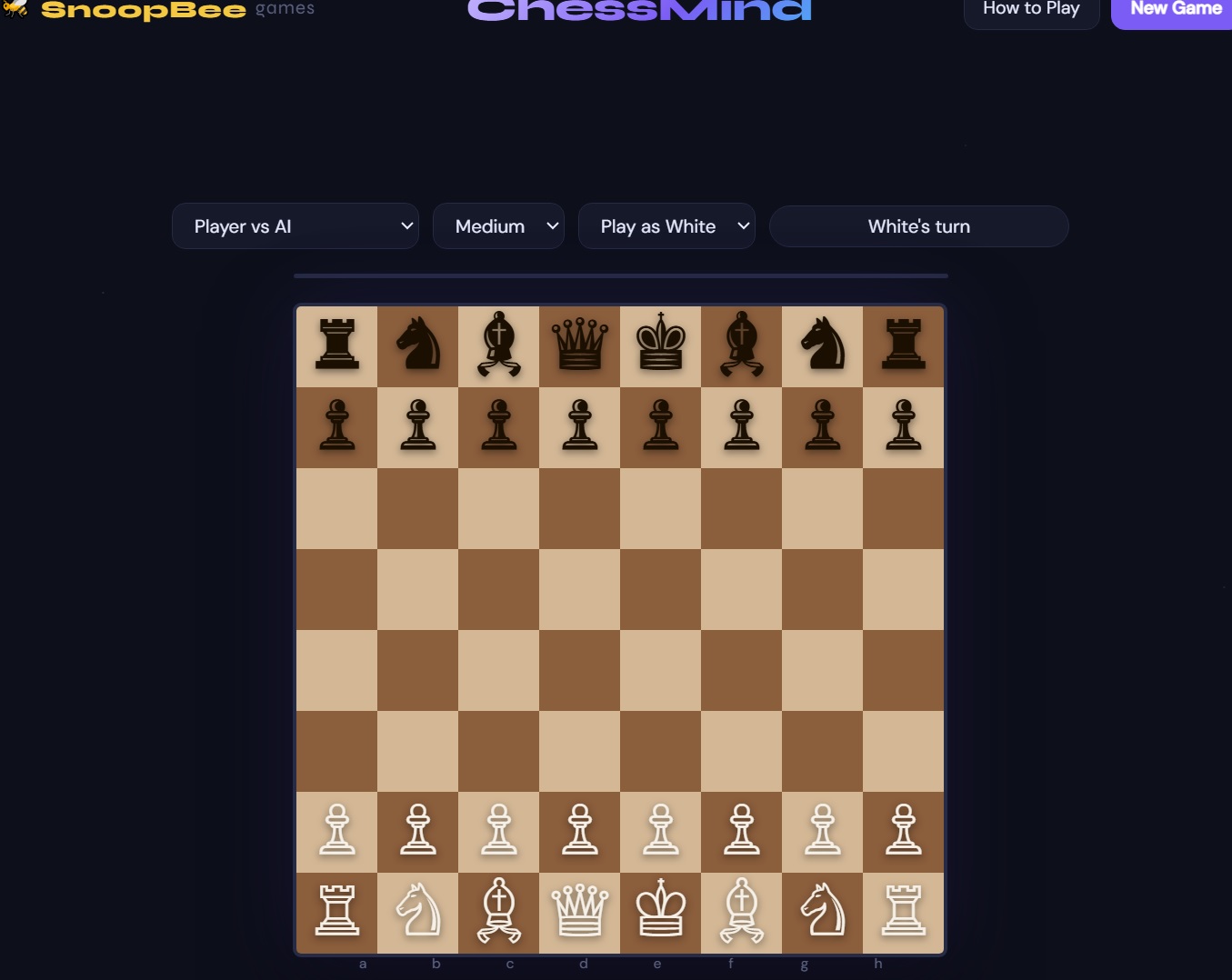
ChessMind is a free browser-based chess game from snoopbee.com with no download, no registration, and three distinct ways to play. All standard chess rules are enforced — castling, en passant, promotion, and every draw condition.
3 Game Modes — AI, Local & Online Multiplayer
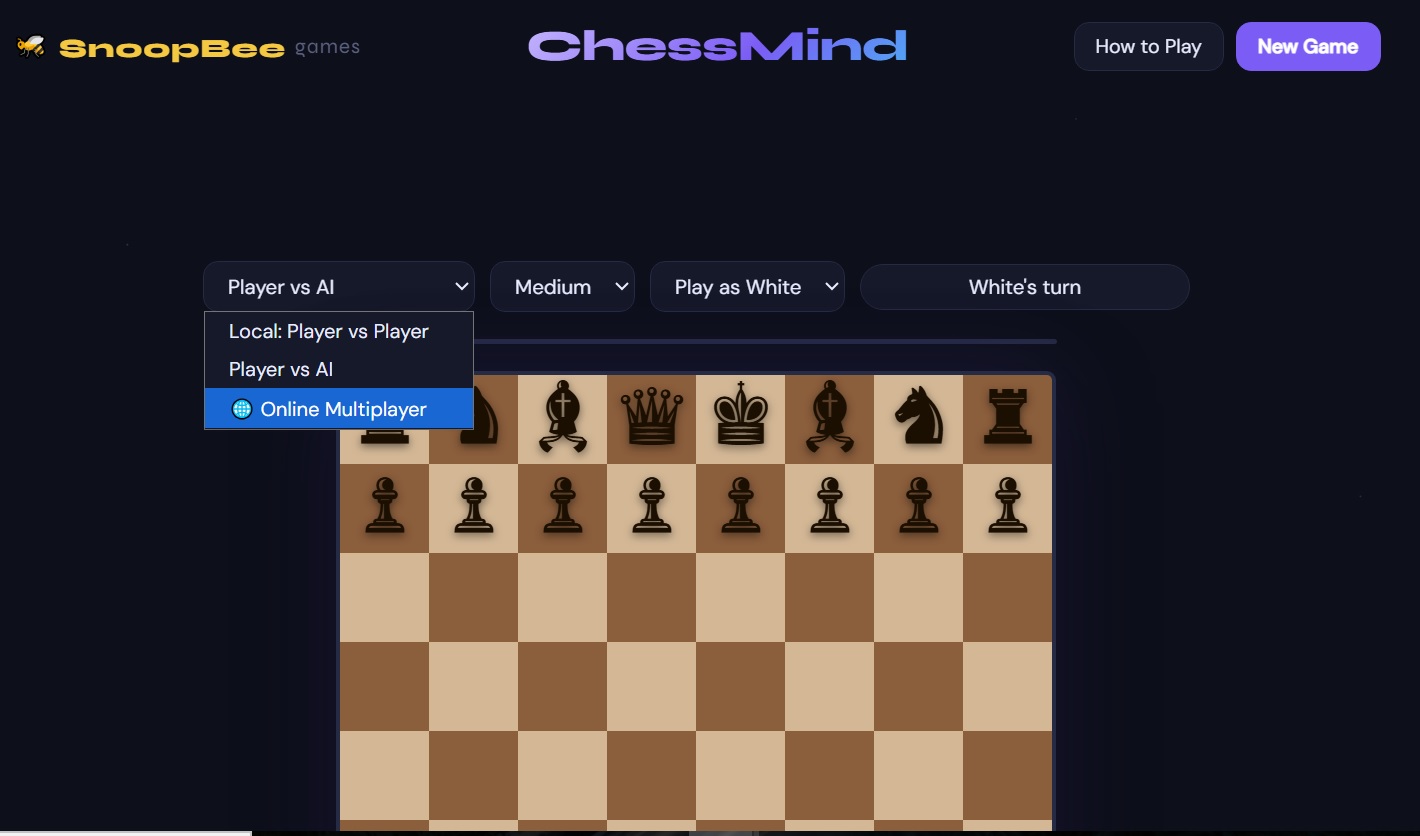
ChessMind offers three ways to play, all from the same New Game screen:
| Mode | How It Works |
|---|---|
| 🤖 Player vs AI | Face the ChessMind AI on Easy, Medium, or Hard. Choose to play as White or Black. |
| 🤝 Local: Player vs Player | Pass the device between two players on the same screen — no setup beyond starting the game. |
| 🌐 Online Multiplayer | Create a game to get a 6-character Game ID, then share it via WhatsApp, email, or copy/paste. Your opponent joins with that ID. No account required for either player. |
The player who creates the game is assigned White; the player who joins is assigned Black. The Game ID can be shared through WhatsApp, a default mail app, or directly via Gmail, Outlook, or Yahoo Mail — or just copied and sent however you like.
Basic Chess Rules
Chess is played on an 8×8 board with 16 pieces per side. The goal is to checkmate your opponent's king — put it under attack with no legal way to escape.
White always moves first. Players alternate turns, moving one piece at a time except when castling. You can never move your king into check.
Piece Movements & Values
| Piece | Movement | Value |
|---|---|---|
| King | One square in any direction | — |
| Queen | Any number of squares vertically, horizontally or diagonally | 9 |
| Rook | Any number of squares vertically or horizontally | 5 |
| Bishop | Any number of squares diagonally | 3 |
| Knight | L-shape (two squares in one direction, one square perpendicular) | 3 |
| Pawn | Forward one square (two on its first move); captures diagonally | 1 |
Control the center of the board early. Pieces placed centrally have more mobility and influence over the whole board than pieces stuck on the edges.
Special Moves & Draw Conditions
ChessMind enforces every standard special move and draw rule:
| Special Move | How It Works |
|---|---|
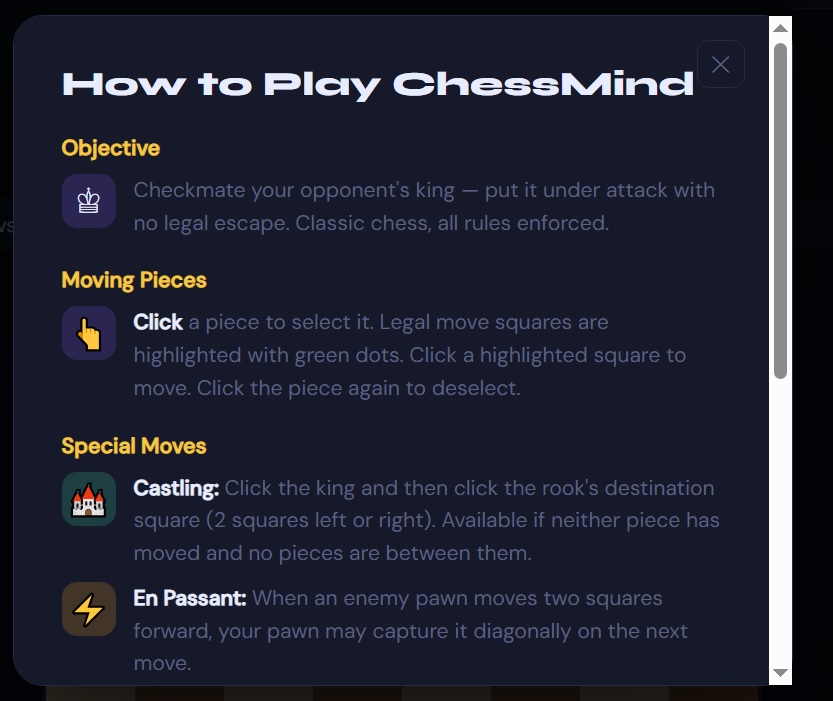
| 🏰 Castling | Click the king, then click the rook's destination square (2 squares left or right). Only available if neither piece has moved and no pieces stand between them. |
| ⚡ En Passant | When an enemy pawn moves two squares forward past your pawn, you may capture it diagonally on your very next move. |
| 👑 Promotion | When your pawn reaches the opposite end of the board, choose to promote it to a Queen, Rook, Bishop, or Knight. |
A ChessMind game ends in a draw on stalemate (no legal moves available, but not in check), threefold repetition (the same position occurs three times), the 50-move rule (50 moves pass with no capture or pawn move), or insufficient material (neither side has enough pieces left to force checkmate).
Controls — Desktop & Mobile
Click a piece to select it — legal move squares light up with green dots. Click a highlighted square to move there, or click the piece again to deselect it. The same tap-based interaction works identically on mobile and tablet, fully touch-optimized.
Essential Openings for Beginners
Learn a small handful of openings deeply rather than many shallowly. The Italian Game, Ruy Lopez, and Sicilian Defense are reliable starting points — all emphasize fast piece development, center control, and early king safety through castling.
Common Tactics & Combinations
Master forks (one piece attacking two targets at once), pins (a piece that can't move without exposing a more valuable piece behind it), skewers (the reverse of a pin — attacking through a piece to a more valuable one beyond it), discovered attacks, and well-timed sacrifices. These tactical patterns win games at every skill level, including against ChessMind's Hard AI.
Core Strategies & Principles
Develop your pieces quickly, control the center, get your king safe through castling, and connect your rooks before the middlegame heats up. Once development is complete, focus on creating concrete threats and coordinating multiple pieces toward a single weakness in your opponent's position.
Endgame Fundamentals
King and pawn endgames, rook endgames, and the basic checkmates (king + queen vs lone king, king + rook vs lone king) are essential knowledge. Learn the concept of opposition and how to safely escort a pawn to promotion — these fundamentals come up constantly once games simplify down to a handful of pieces.
Pro Tips vs the AI
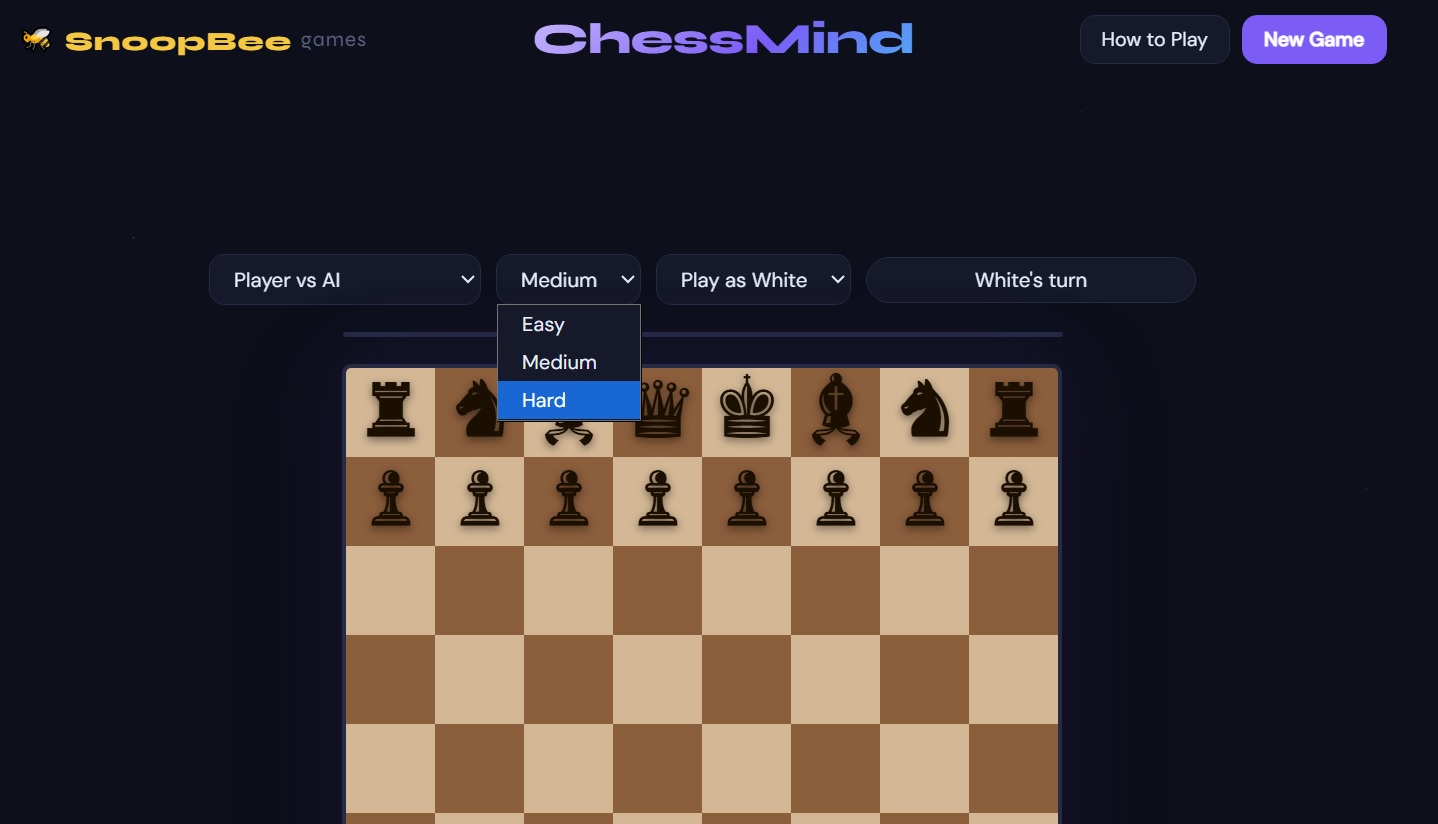
ChessMind's AI difficulty has 3 levels — Easy, Medium, and Hard. Hard uses a deep minimax search with alpha-beta pruning, meaning it genuinely calculates several moves ahead rather than just reacting to your last move. It's a real test even for solid intermediate players.
- Start on Easy and move up only once you're consistently winning.
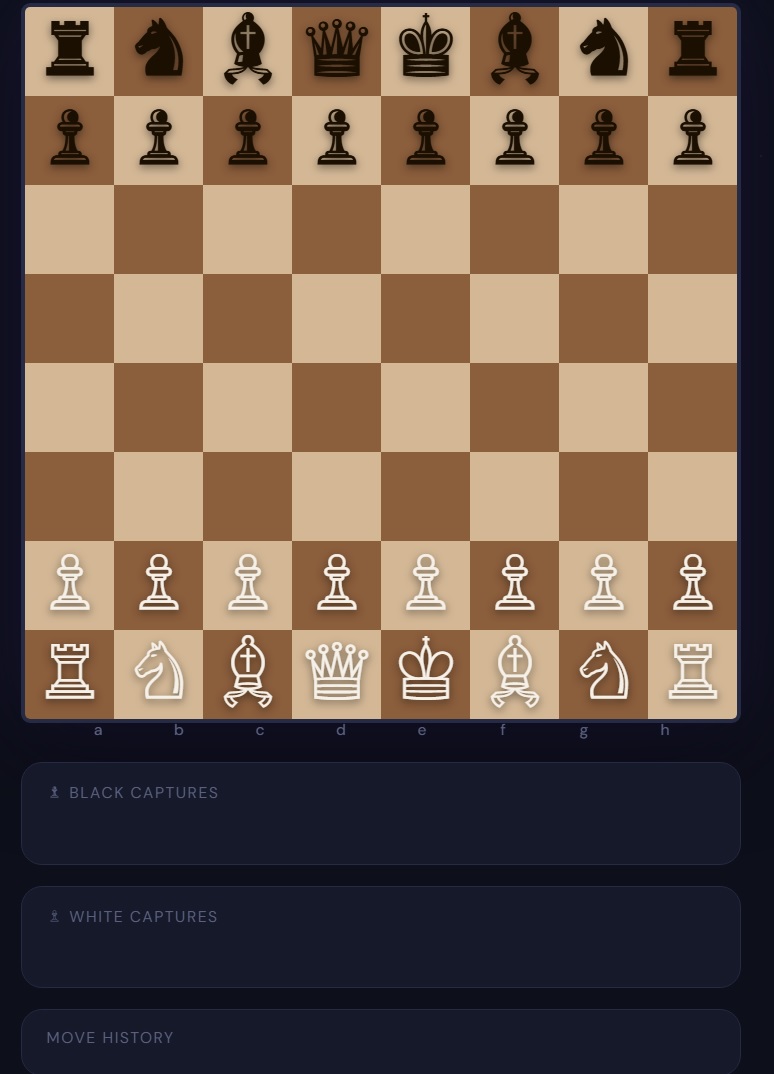
- Use the move history to review your games afterward — spot the move where things went wrong.
- Focus on one opening until you genuinely understand its ideas, not just the move order.
- Always ask "what is my opponent threatening?" before making your own move.
- Against Hard difficulty, avoid early tactical complications — simplify and play solid, principled chess instead.
- If you want to practice with a friend instead of the AI, use Local Player vs Player or set up an Online Multiplayer game.
Frequently Asked Questions
Is ChessMind free to play?
Yes — 100% free with no download, no registration and no in-app purchases. Play at snoopbee.com/chessmind.html.
Can I play against a friend?
Yes, two ways: pass the device for Local Player vs Player, or use Online Multiplayer to play remotely by sharing a 6-character Game ID.
Do I need an account for online multiplayer?
No. Creating or joining an online game requires no account or sign-up — just a Game ID shared between the two players.
How many AI difficulty levels are there?
Three: Easy, Medium, and Hard. Hard uses a genuine minimax search with alpha-beta pruning rather than simple random or rule-based moves.
Does it work on mobile?
Yes, fully touch-optimized — tap to select a piece and tap a highlighted square to move, identical to the desktop click controls.
Does ChessMind support castling, en passant, and promotion?
Yes, all are fully implemented and explained in the in-game How to Play screen.
Ready to Play ChessMind?
Free, no download. Play vs AI, a friend on the same device, or anyone online.
♟️ Play ChessMind Free →
💬 User Feedback & Comments
Share your favorite openings, AI difficulty experiences, or questions about ChessMind. (Max 200 words)